April 28, 2026
· 9 min read7 API Architectures Every Developer Should Know in 2026
Picking the wrong API style costs you in latency, bandwidth, and 3 AM debugging sessions. This post breaks down the seven API architectures powering modern apps — what they do, where they shine, and the trade-offs you need to know before you commit.
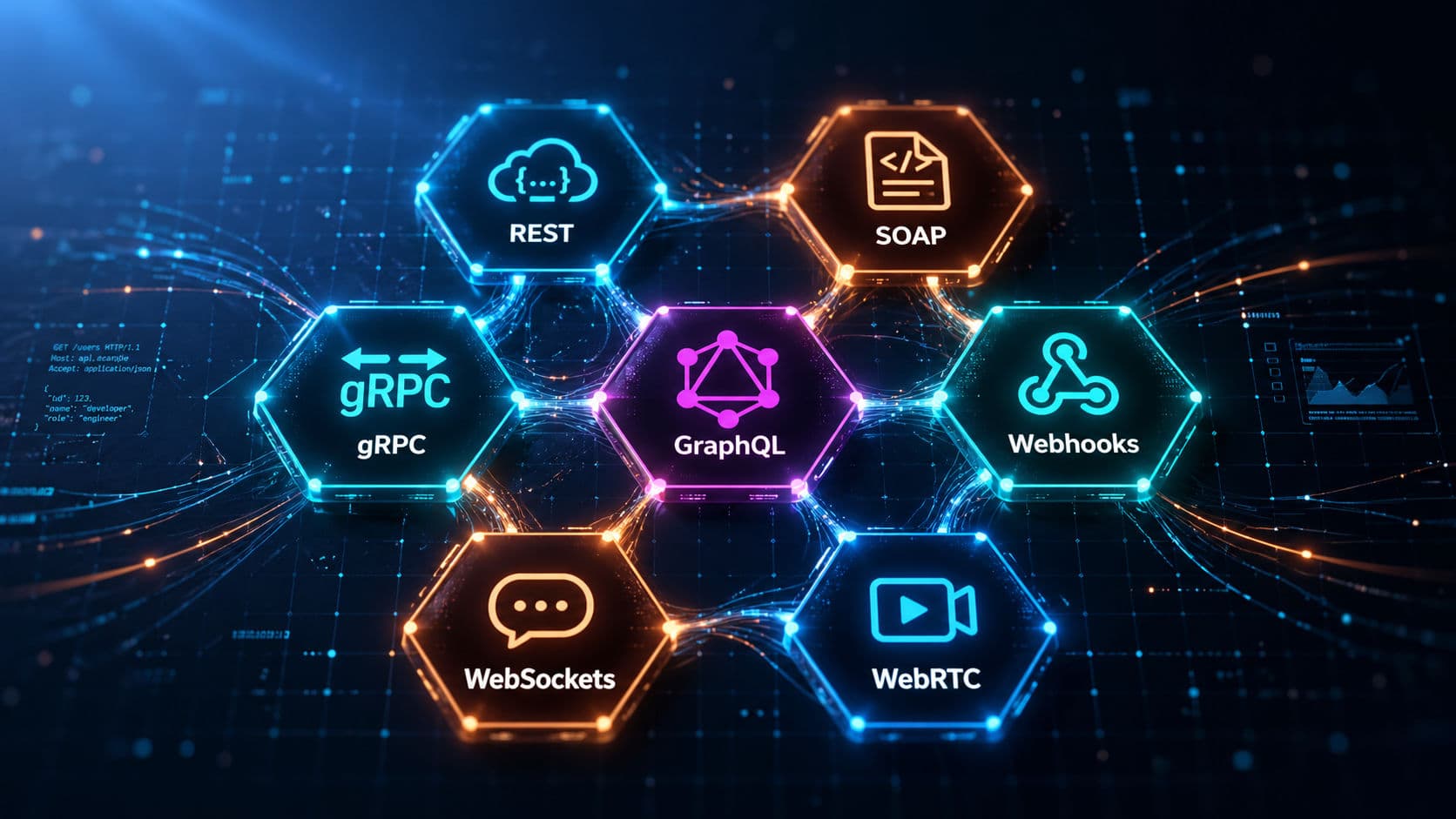
Right now, thousands of APIs are quietly running in the background of your life. Your phone syncing messages, the weather widget refreshing, Spotify queuing the next song, your bank app checking your balance. But here's the thing most developers miss — not all APIs are created equal. Pick the wrong one and you'll pay for it in latency, cost, or 3 AM debugging sessions.
Let's break down the seven API architectures that power the modern internet, and exactly when each one earns its place.
The Problem: Building StreamHub
Imagine you're building StreamHub, a video platform with creator pages, payments, live chat during streams, push notifications when a creator goes live, and 1:1 video calls between fans and creators. If you reach for REST to do everything, you'll hit walls fast:
- Polling for new chat messages every 2 seconds wastes bandwidth and feels laggy.
- Stripe wants to notify you the moment a payment succeeds — but how does it reach your server?
- Routing video call media through your servers blows up latency and bandwidth costs.
- Microservices passing JSON internally are slower than they need to be by an order of magnitude.
Sound familiar? That's exactly where understanding the full API toolkit pays off.
1. REST — The Universal Default
REST (Representational State Transfer) is the API style you've definitely used. It's a pattern for talking over HTTP using verbs every developer knows: GET, POST, PUT, DELETE.
GET    /videos/42           → fetch a video
POST   /videos/42/likes     → like a video
PUT    /comments/108        → edit a comment
DELETE /subscriptions/9     → unsubscribe
The magic of REST is that it's stateless — the server doesn't remember you between requests. Every call carries everything it needs. That makes horizontal scaling trivial: add more servers, route requests anywhere, no sticky sessions, no shared memory.
Use REST when:
- You're building standard CRUD applications
- A mobile app needs to talk to a backend
- You're publishing a public API that other developers will consume
- You want something boring, reliable, and universally understood
💡 Tip: REST handles roughly 90% of real-world API scenarios. Don't over-engineer — reach for something fancier only when REST genuinely breaks down.
2. SOAP — The Enterprise Contract
If REST is a casual phone call, SOAP (Simple Object Access Protocol) is a notarized contract. Every message is wrapped in strict XML with an Envelope, Header, and Body.
<soap:Envelope xmlns:soap="http://schemas.xmlsoap.org/soap/envelope/">
  <soap:Header>
    <auth:Credentials>...</auth:Credentials>
  </soap:Header>
  <soap:Body>
    <bank:TransferFunds>
      <fromAccount>123</fromAccount>
      <toAccount>456</toAccount>
      <amount>5000.00</amount>
    </bank:TransferFunds>
  </soap:Body>
</soap:Envelope>
It looks ancient. It is. But SOAP ships with built-in enterprise features REST doesn't: WS-Security, guaranteed delivery, ACID-style transactions, and a formal contract via WSDL. When compliance and audit trails are non-negotiable, SOAP earns its keep.
Where you'll still meet SOAP:
- Inter-bank money transfers
- Healthcare systems exchanging patient records (HL7)
- Government and legacy enterprise integrations
- Insurance and tax filing systems
You won't pick SOAP for a greenfield project. You'll integrate with it because a partner demands it.
3. gRPC — Built for Speed
gRPC is Google's answer to "what if APIs were just fast?" Instead of sending JSON text, gRPC uses Protocol Buffers — a compact binary format that's typically up to 10x smaller and faster than JSON. It also runs over HTTP/2, so multiple requests share a single connection through multiplexing.
service RideService {
  rpc GetRide(RideRequest)            returns (Ride);
  rpc TrackDriver(DriverRequest)      returns (stream Location);
  rpc UploadTelemetry(stream Frame)   returns (Ack);
  rpc Chat(stream Message)            returns (stream Message);
}
Breaking it down: gRPC supports four communication patterns out of the box:
| Pattern | Real-world example |
|---|---|
| Unary | Fetch a single record (request → response) |
| Server streaming | Live driver location updates flowing to the rider |
| Client streaming | Continuous telemetry upload from a device |
| Bidirectional streaming | Real-time chat between two services |
Netflix uses gRPC heavily for internal microservice traffic. High-frequency trading platforms rely on it where every microsecond shows up on a P&L statement.
Use gRPC when:
- You're wiring microservices to each other
- You need streaming between services without raw socket plumbing
- Performance and bandwidth matter more than human readability of the wire format
⚠️ Warning: gRPC isn't natively browser-friendly. For public-facing APIs hit from a browser, REST or GraphQL is usually a better fit unless you're willing to run a gRPC-Web proxy.
4. GraphQL — Exactly the Data You Need
REST has a chronic problem: you either get too much data (over-fetching) or you have to make multiple calls to assemble what you actually need (under-fetching). GraphQL flips this. The client declares the exact shape it wants in a single query.
query {
  user(id: "42") {
    name
    avatar
    posts(last: 5) {
      title
      likes
      comments(first: 3) {
        author { name }
        text
      }
    }
  }
}
One query, one round trip, exactly the fields you asked for. And because GraphQL APIs are introspectable through their schema, frontend devs can explore the API without bothering the backend team — the schema itself is the documentation.
GitHub's public API runs on GraphQL. Shopify's storefront API does too. Netflix runs 70+ federated GraphQL services handling billions of requests daily.
Use GraphQL when:
- Multiple clients (web, iOS, Android) need different shapes of the same data
- Your data graph is deeply relational
- You want to evolve the API without versioning every endpoint
💡 Tip: GraphQL isn't free. Cost analysis, query depth limits, and
DataLoader-style batching are mandatory in production — otherwise a single nested query can hammer your database.
5. Webhooks — The Reverse API
Most APIs work like this: your app keeps asking "anything new yet?" — that's polling. Wasteful and slow.
Webhooks flip the relationship. You give the third-party service a callback URL. When something happens, they call you.
Stripe fires webhooks on payment events. GitHub triggers them on pushes and pull requests. Shopify sends them when orders are placed. They're sometimes called reverse APIs because the data flow is inverted.
Use webhooks when:
- Automating workflows across services
- Reacting to events the moment they happen
- Replacing the cost and lag of polling loops
⚠️ Warning: Always verify webhook signatures (typically HMAC) before trusting the payload. A public callback URL is a public attack surface, and Stripe / GitHub / Shopify all sign their webhooks for exactly this reason.
6. WebSockets — The Always-On Connection
HTTP works like a phone call you have to redial every time you want to talk. WebSockets keep the line open. Once the connection upgrades from HTTP, either side can push data, instantly, with negligible overhead per message.
const ws = new WebSocket("wss://api.streamhub.com/chat");

ws.onmessage = (event) => {
  const msg = JSON.parse(event.data);
  renderMessage(msg);
};

ws.send(JSON.stringify({ type: "chat", text: "Hello, stream!" }));
Unlike REST, where the client must always initiate, WebSockets let the server push data the moment something changes — no polling, no long-poll hacks, no fake "real time."
Use WebSockets when:
- Live chat or collaborative editing
- Real-time dashboards (stock prices, sports scores, monitoring graphs)
- Multiplayer games where every millisecond on the wire matters
💡 Tip: WebSockets are stateful. If you scale horizontally, you'll need a pub/sub layer (Redis, NATS, or similar) so a message published to a server holding connection A reaches another server holding connection B.
7. WebRTC — Peer-to-Peer Realtime
WebRTC (Web Real-Time Communication) is the wild one. It's not just an API — it's a full framework that lets browsers and mobile apps talk directly to each other, with no server in the middle for the actual media.
When you're on a video call, your video doesn't route through a central server and back out. It flows device to device, peer-to-peer, with end-to-end latency typically under 500ms.
The hard problem WebRTC solves: your laptop is behind a router, your friend is behind another, both have firewalls and NATs in the way. WebRTC handles the negotiation through a process called signaling, using STUN servers to discover public IPs and TURN servers as a fallback when a direct peer connection isn't possible.
Once connected, WebRTC handles adaptive bitrate, codec negotiation, packet loss recovery, and jitter buffering automatically. And the best part — it's built into every modern browser. No plugins, no installs.
Where you'll find WebRTC in production:
- Zoom, Google Meet, Discord voice channels
- Real-time multiplayer games where latency decides the match
- Browser-to-browser file sharing without uploading to a server first
- Low-latency live streaming on platforms like Twitch's newer ingest paths
Quick Comparison: Which API Style Fits?
| Style | Transport | Best For | Avoid When |
|---|---|---|---|
| REST | HTTP + JSON | CRUD, public APIs, mobile backends | You need realtime push or streaming |
| SOAP | HTTP + XML | Banking, healthcare, regulated systems | Anything new and lightweight |
| gRPC | HTTP/2 + Protobuf | Microservices, internal traffic | Browser clients without a proxy |
| GraphQL | HTTP + JSON | Many clients, relational graphs | Simple CRUD with one consumer |
| Webhooks | HTTP callbacks | Event-driven integrations | You can't expose a public URL |
| WebSockets | Persistent TCP | Chat, dashboards, multiplayer | Stateless horizontal scaling is critical |
| WebRTC | UDP / SRTP, P2P | Video, voice, low-latency P2P | Massive one-to-many broadcast |
Putting It All Together
Back to StreamHub. With the full toolkit in hand, the architecture writes itself:
- REST for video metadata, user profiles, search, and uploads
- GraphQL at the API edge so web, iOS, and Android each fetch exactly the fields they render
- gRPC between internal microservices (recommendations, transcoding, analytics)
- Webhooks to receive payment events from Stripe and creator-payout events from your processor
- WebSockets for live chat during streams
- WebRTC for 1:1 creator–fan video calls and watch-parties
- SOAP if (and only if) a payout partner or compliance vendor demands it
Each layer uses the right tool for its job — instead of forcing REST to limp through every workload.
Final Thoughts
There's no "best" API style. There's only the right one for the problem in front of you:
- REST — your default. Simple, scalable, universally understood.
- SOAP — when compliance and contracts trump elegance.
- gRPC — when speed between services matters more than human readability.
- GraphQL — when many clients need different slices of the same graph.
- Webhooks — to react to events instead of polling for them.
- WebSockets — when both sides need to push, anytime.
- WebRTC — when the data path should skip your server entirely.
The senior engineer move isn't memorizing every API style — it's knowing which one to reach for, and being honest about when REST is enough.
👉 Audit your current stack today: find one feature still polling or over-fetching, and replace it with the right architecture this week. Your latency graphs will thank you.
FAQ
Is REST being replaced by GraphQL?
No. REST still handles the vast majority of public APIs and CRUD workloads because it's simple, cacheable, and universally understood. GraphQL wins when you have many clients (web, iOS, Android) needing different shapes of the same data, or a deeply relational graph. Most production systems use both.
When should I use gRPC instead of REST?
Use gRPC for internal service-to-service communication where performance and streaming matter — especially in microservice architectures. Stick with REST for browser-facing and public APIs, since gRPC isn't natively browser-friendly without a proxy like gRPC-Web.
What's the difference between WebSockets and webhooks?
Webhooks are one-shot HTTP callbacks fired by a server when an event happens — great for integrations across services. WebSockets are persistent two-way connections where either side can push data continuously — great for chat, dashboards, and games. Different problems, not interchangeable.
Is SOAP still relevant in 2026?
Yes, in specific corners. Banking, healthcare (HL7), insurance, and government systems still rely on SOAP because of its built-in WS-Security, guaranteed delivery, and formal contracts. You won't pick SOAP for a new public API, but you'll integrate with it when partners demand it.
Do I need a server for WebRTC?
You need a signaling server to help peers find each other and exchange connection metadata, plus STUN/TURN servers to traverse NATs and firewalls. The actual media (audio, video, data) flows directly peer-to-peer once connected, so your servers don't carry the bandwidth cost.
Can I use multiple API styles in the same application?
Absolutely — and you probably should. A real production app might use REST for CRUD, GraphQL at the API edge, gRPC between microservices, webhooks for third-party events, WebSockets for live chat, and WebRTC for video calls. Each layer uses the right tool for its job.